For the sports card collector
Your collection.
In full view.
Scan your cards, organize your collection, and see your next move.
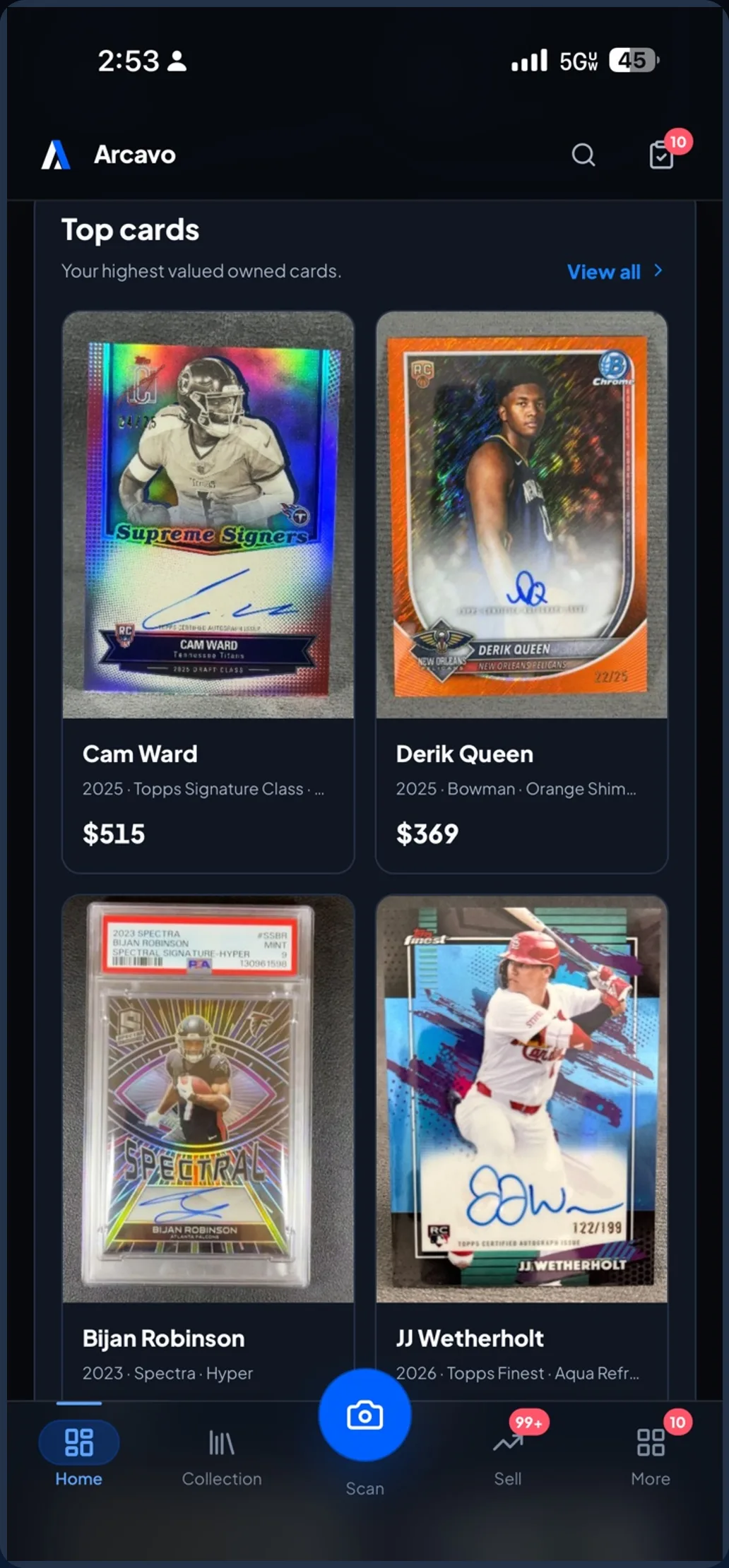
01 / From the box to your collection
More collecting. Less typing.
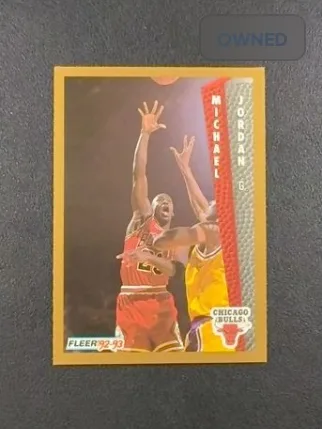
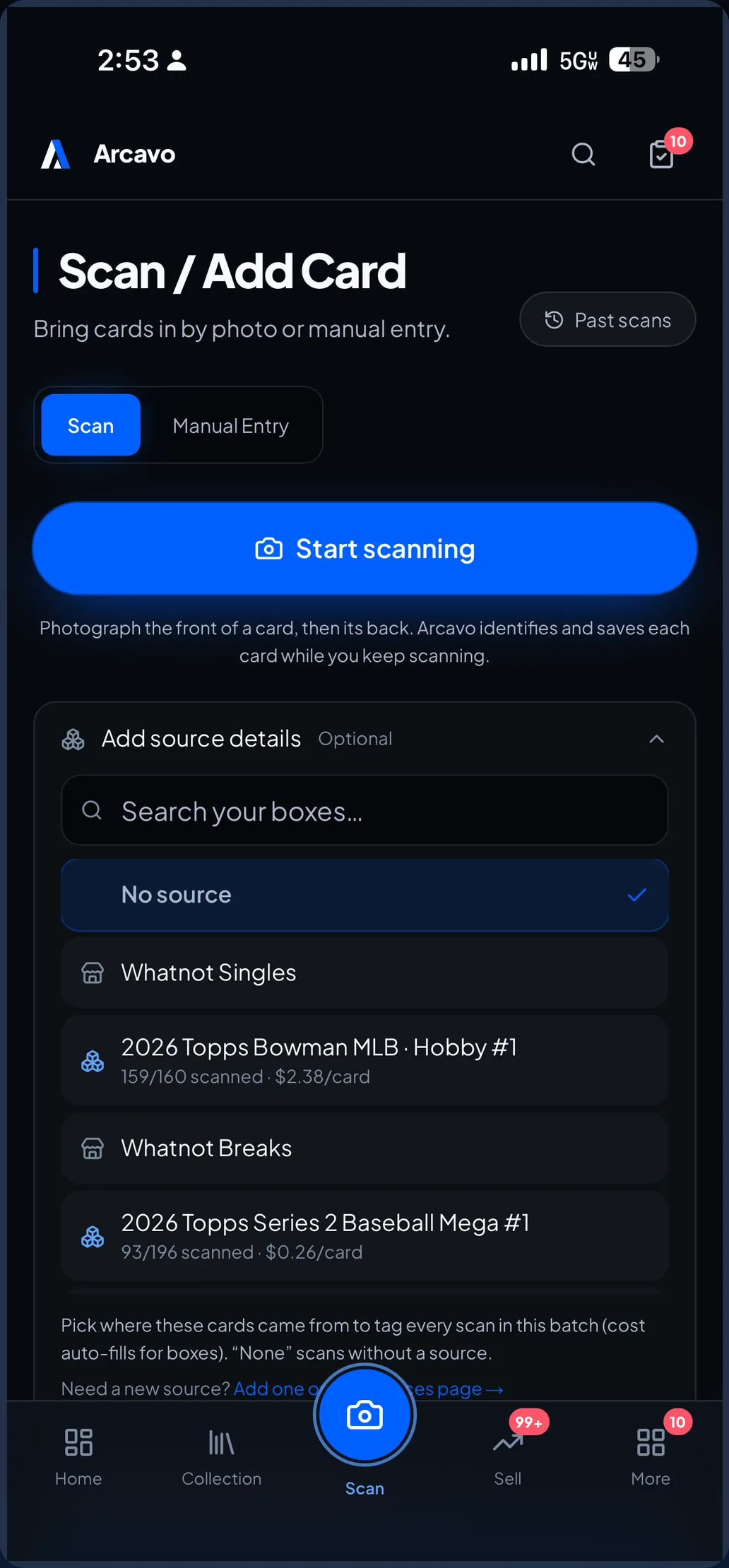
A new pull. An old favorite. Photograph the front and back, review what Arcavo finds, and give every card a place in your collection.
- 01Capture the front and back
- 02Confirm the card’s identity
- 03Add it to your collection
02 / Know what you hold
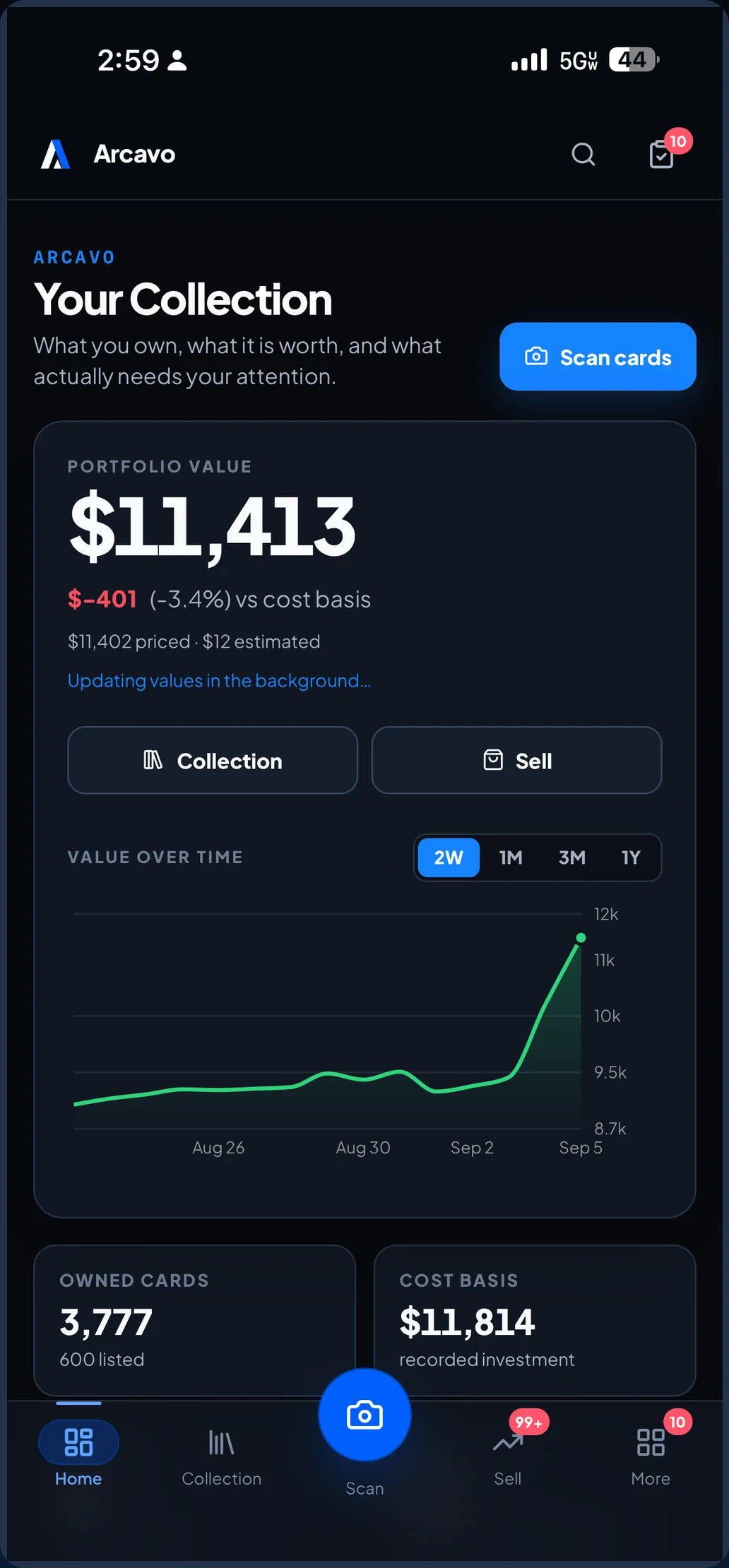
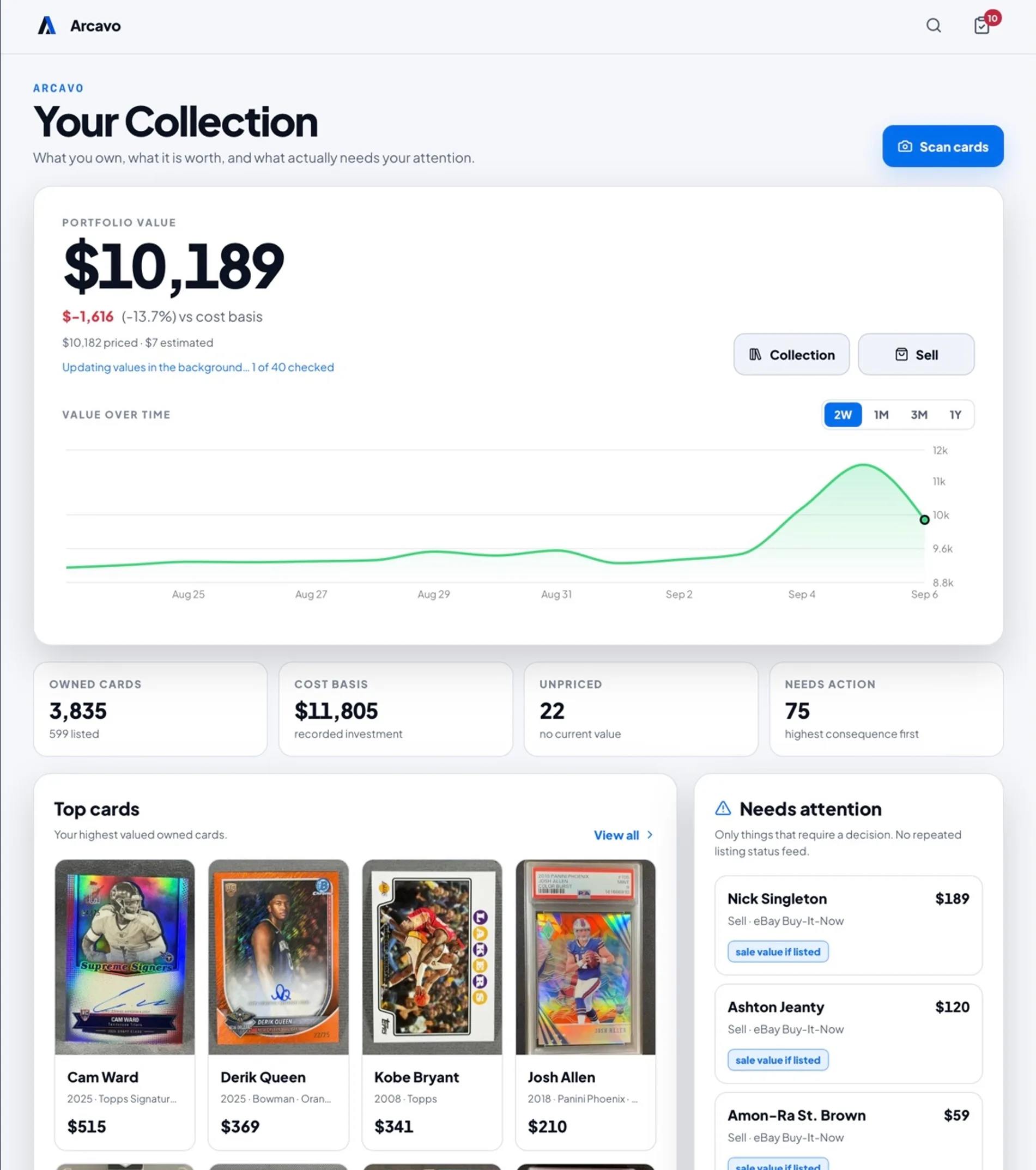
The whole collection. A clearer picture.
Your cards, their costs, and estimated values based on recent sales. Together in a collection you can browse, search, and understand.
See the evidence behind an estimate. Cards that cannot be priced stay visibly unpriced.
03 / Make your next move
Some cards belong together.
The player you follow. The team you collect. Arcavo finds connections in your collection and suggests lots you can review before listing.
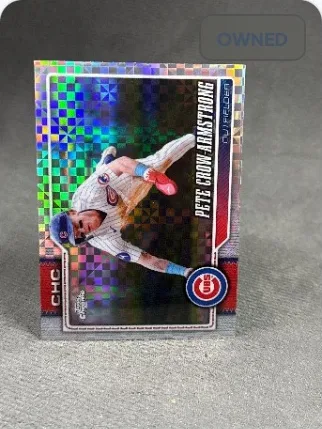
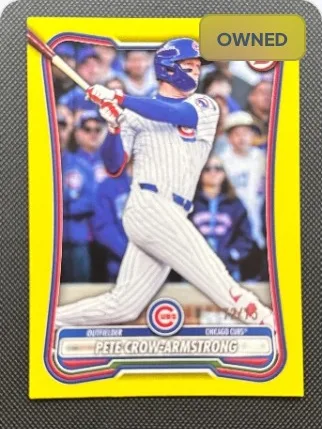
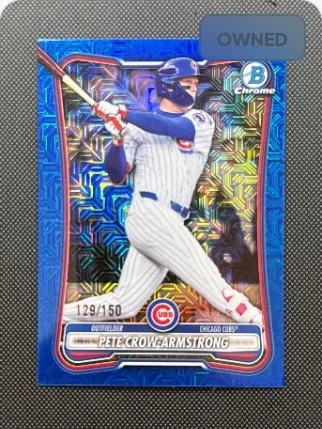
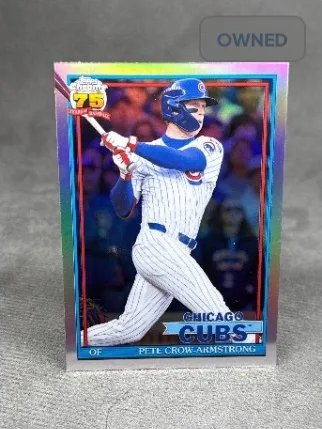
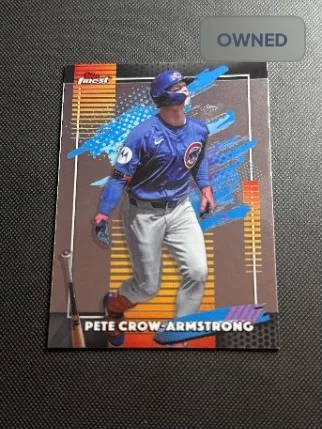
One player’s cards, kept together for the collector who wants all of them.
Ready to sell? Connect your own eBay account to manage listings and track what sold.
Suggested lots are ideas, not offers. Nothing about a lot promises a sale, a buyer, or a price.FAQ
A few things to know.
What devices does Arcavo support?
Arcavo is built for iPhone and iPad. The App Store listing is not live yet, so there is no download link on this page — when Apple publishes it, one will appear here.
How does card scanning work?
You photograph the front of a card and then its back. Arcavo reads the card from those photos and proposes an identity — player, year, set, card number, parallel — which you confirm or correct. Anything it cannot resolve is raised as a question rather than guessed.
Are Arcavo values estimates?
Yes. A card’s value in Arcavo is an estimate based on recent sales, shown with the evidence behind it. It is not an appraisal, not a sale price and not a guarantee, and a card Arcavo cannot price is left visibly unpriced rather than given a number.
Can Arcavo work with eBay listings and sales?
You can connect your own eBay account and create, revise and sync listings from inside Arcavo, and sold cards come back into the collection with what they netted. Arcavo is not affiliated with eBay and has no influence over how a listing performs.
What can Suggested Lots do?
Arcavo looks through your collection for groups that already exist in it — a team, a team’s rookies, a rookie class, an insert run, a product, pre-2000 vintage — and proposes each as a lot, with its cards and what the singles come to. You preview a lot before anything is listed.
Is Arcavo available now?
Not yet. Arcavo is coming soon to iPhone and iPad; the App Store listing is not live.
Scan. Value. Collect. Sell